ERP System

WHAT IS AN ERP SYSTEM?

If you’ve been searching for erp system meaning, here’s the simple answer: an Enterprise Resource Planning (ERP) system is software that connects every core function of your business — sales, inventory, accounting, HR, and procurement — into a single, unified platform. Instead of your sales team working off one spreadsheet, your warehouse tracking stock in another, and your accountant reconciling numbers manually at month-end, an ERP system makes sure everyone is working from the same real-time data.

Still unsure how this applies to your business? Think of common erp system examples: a retail company using ERP to sync inventory across multiple branches in real time, a manufacturing business automating its purchase orders and production tracking, or a service company managing payroll, HR, and client billing from one dashboard. Each of these is a different erp system application — but they all solve the same underlying problem: disconnected data leads to slow, costly decisions.
What's Inside an ERP System — Core Modules We Implement

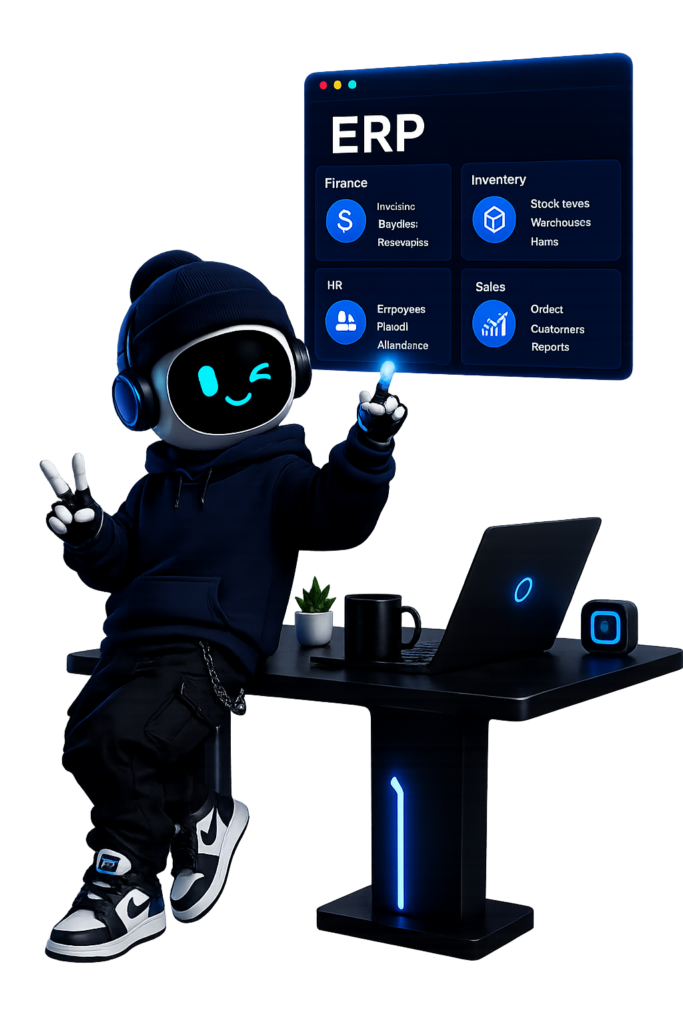
A common question we hear is “what is a module in ERP?” — the module meaning is simple: it’s a self-contained block of functionality (like Sales, Inventory, or HR) that plugs into your core ERP system. You don’t need every module on day one — you activate what your business actually uses, and expand as you grow.

Here’s what we typically implement:

Sales & CRM

A built-in crm that manages leads, quotes, and customer relationships from the same system that runs your operations — no separate platform, no duplicate data entry.

Accounting & Finance

Full erp accounting software — automated invoicing, expense tracking, and financial reporting that stays in sync with every other department in real time.

Inventory Management

Real-time inventory management and product stock tracking across one location or many — know exactly what you have, where it is, and when it needs reordering.

Point of Sale

An integrated point of sale module for retail and F&B businesses — sales data flows directly into inventory and accounting.

HR & Payroll Erp

Hrm functionality that automates payroll, attendance tracking, and employee records — one system for your entire workforce.

Purchasing Streamlined

purchase workflows that give your purchasing manager full visibility into supplier orders, costs, and delivery timelines.

Why We Build on Odoo ERP?

There are dozens of ERP platforms on the market, but we specialize in odoo erp system implementation for one simple reason: it’s flexible enough to fit nearly any industry, and affordable enough that growing businesses don’t need an enterprise budget to access enterprise-grade systems.

An odoo erp deployment isn’t a one-size-fits-all install. We configure it around how your business actually operates — which modules you need active, how your erp accounting and finance workflows should run, and which processes should be automated from day one. If you’re comparing platforms or just trying to understand what an ERP looks like in practice, an erp system course can help — but most businesses learn faster by seeing their actual operations reflected in the system from week one, which is exactly how we approach every Odoo implementation.

Why Businesses Choose Wingital for ERP Implementation

Most ERP failures don’t come from bad software — they come from bad implementation. A system that doesn’t match how your team actually works gets abandoned within months. That’s why our process starts with understanding your operations before we configure a single module.

What this looks like in practice:

01
01
Diagnosis first — we map your current workflows before recommending any module or structure

02
02
Configured, not just installed — every erp system application we deliver is built around your specific business, not a generic template

03
03
Training included — your team learns the system hands-on.

04
04
Ongoing support — as your business grows, your ERP system grows with it

Frequently Asked Questions About ERP Systems

What does ERP system mean?

ERP stands for Enterprise Resource Planning. It's a type of software that integrates core business processes — like accounting, inventory, HR, and sales — into one connected platform.

What is a module in an ERP system?

A module is a specific functional component within the larger ERP system — such as Sales, Inventory, HR, or Accounting. Businesses activate the modules relevant to their operations rather than implementing the entire system at once.

What is an example of an ERP system?

Common erp system examples include Odoo, SAP, and Microsoft Dynamics. A real-world example: a retail business using ERP to manage inventory across multiple stores, process point of sale transactions, and automate payroll — all from one system.

 
Is Odoo a good ERP system for small businesses?

Yes. Odoo ERP system is widely used by small and growing businesses because of its modular structure and lower implementation cost compared to enterprise-only platforms, while still offering CRM, accounting, inventory, and HR functionality.


How long does ERP implementation take?

Timeline depends on the number of modules, the complexity of your existing processes, and data migration needs. A focused implementation (sales, inventory, and accounting) typically moves faster than a full enterprise-wide rollout.

Ready to Replace Chaos With Control?

Whether you’re running on spreadsheets or outgrowing your current system, we’ll help you figure out exactly which ERP setup fits your business — no over-selling, no unnecessary modules.

وينجي

Wingi Activated
 
×

وينجي

Wingi Activated